
Mac

- Requires
- macOS 12 or later · Apple Silicon (M1 or later)
- Download size
- About 532 MB
- Price
- Free
Listed as “PDF Difference” on the Mac App Store.
Download
Install from your platform’s app store. Updates arrive through the store automatically. No Palm Hill account or API key needed.
Listed as “PDF Difference” on the Mac App Store.

Published by Palm Hill AI on the Microsoft Store.
Requirements and sizes as listed by each store on September 15, 2026. The store page always has the current details. The download is large because the page-matching model is installed with the app, so comparisons never need the internet.
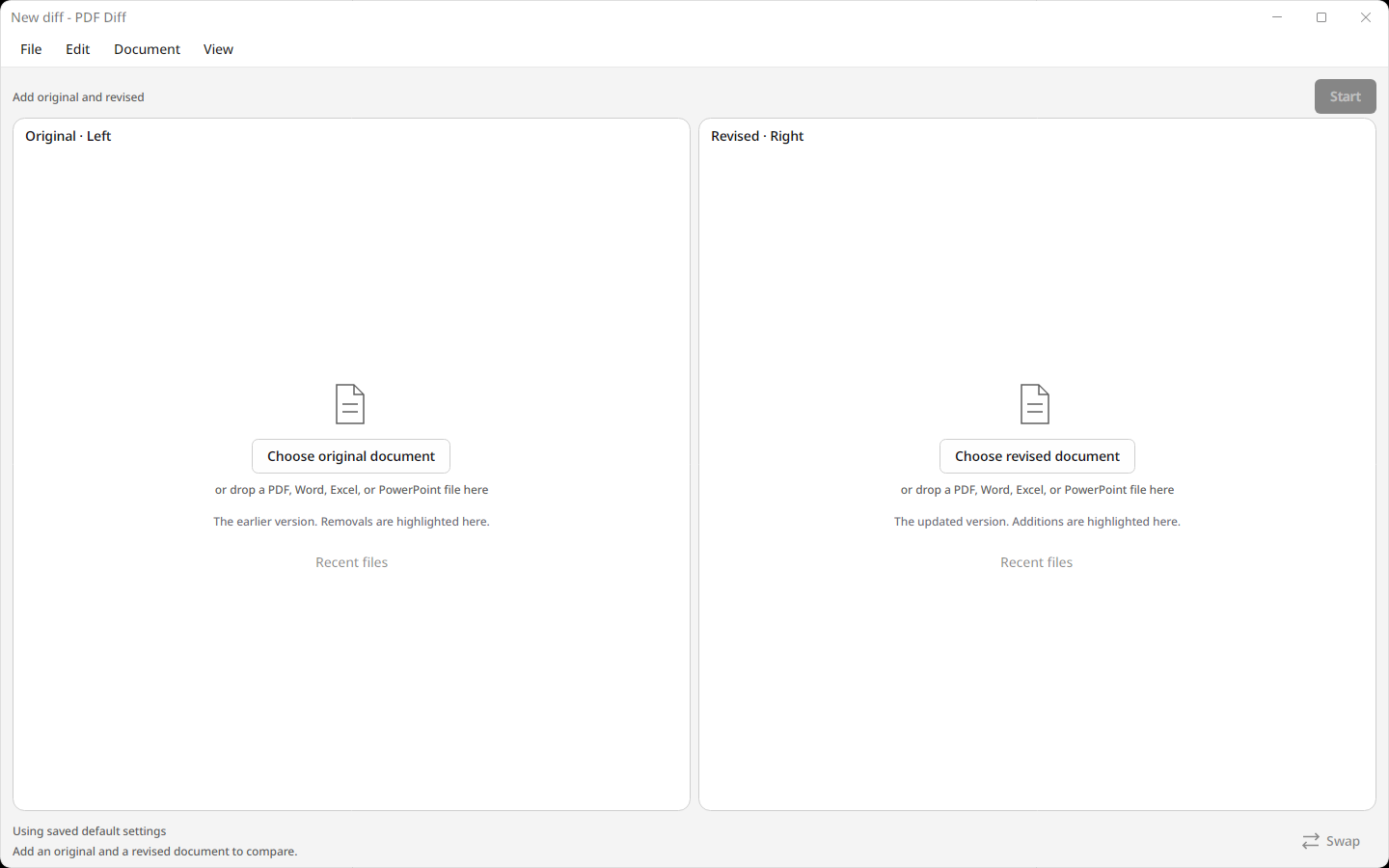
A comparison window opens with two panels: Original on the left, Revised on the right.
Drop a file onto each panel or use Choose original document and Choose revised document. PDF, Word, Excel, and PowerPoint files all work.
When the comparison is ready, open it to review the highlights. Export a highlighted PDF from the File menu.
No documents handy? Download the original and revised sample contract.
See Support for common questions, or email support@palmhill.ai. Read the privacy policy to see how PDF Diff handles your documents.